
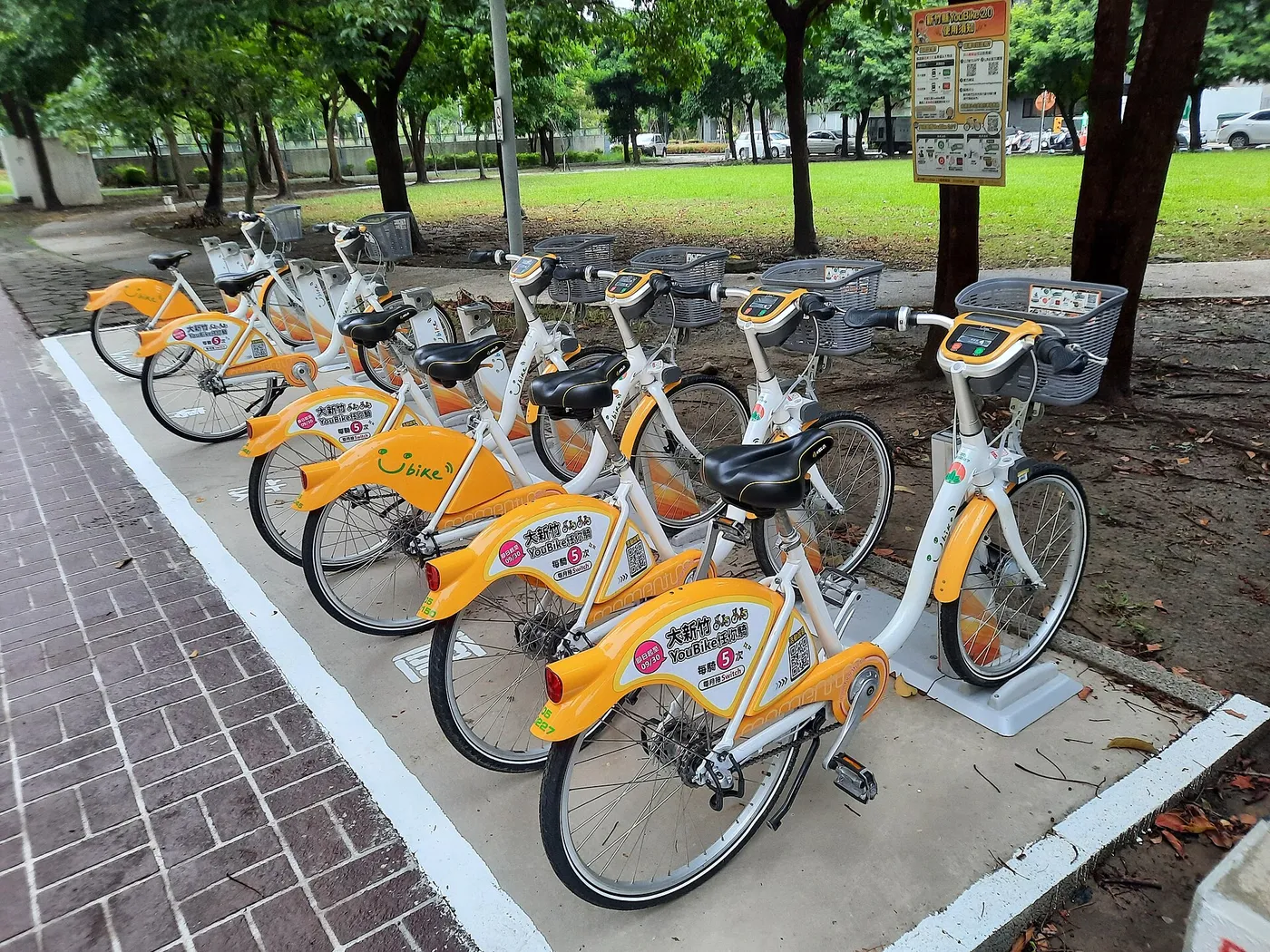
Docking station full? A 5-step guide to YouBike
First 30 mins free for Taipei members; get a free 15-min extension via the app if the station is full.
Scroll down for the 5 steps from registration to return.↓When you first ride a YouBike, the most stressful part isn't renting it, but arriving at a station with no empty docks. Follow these 5 steps for solutions to everything from registration to full stations. Plus, the first 30 minutes are free for Taipei members.
5 Steps from Registration to Returnswipe
註冊會員 (Register for Membership)
Register with a Taiwanese phone number and link an EasyCard or iPASS. The first 30 minutes free in Taipei City is only for members.
- Your phone number is your account ID.
- Register on the official website or app.
- Use the app to link a credit card.
Steps・Rules・Rates
- What you'll need
- A Taiwanese phone number (to receive a verification code; the number will be your account ID); your national ID, ARC, or passport number (for public bicycle liability insurance).
- What to link
- The website only allows linking electronic tickets (EasyCard, iPASS); to use a credit card or mobile payment, you must register and link it via the YouBike app.
- No Taiwanese phone number?
- You can use 'Single Rental (Temporary Member)'. This is limited to credit card payment, with a pre-authorization of NT$3,000 each time, valid for 120 hours. The first 30 minutes free does not apply.
借車前先檢查 (Inspect Before Renting)
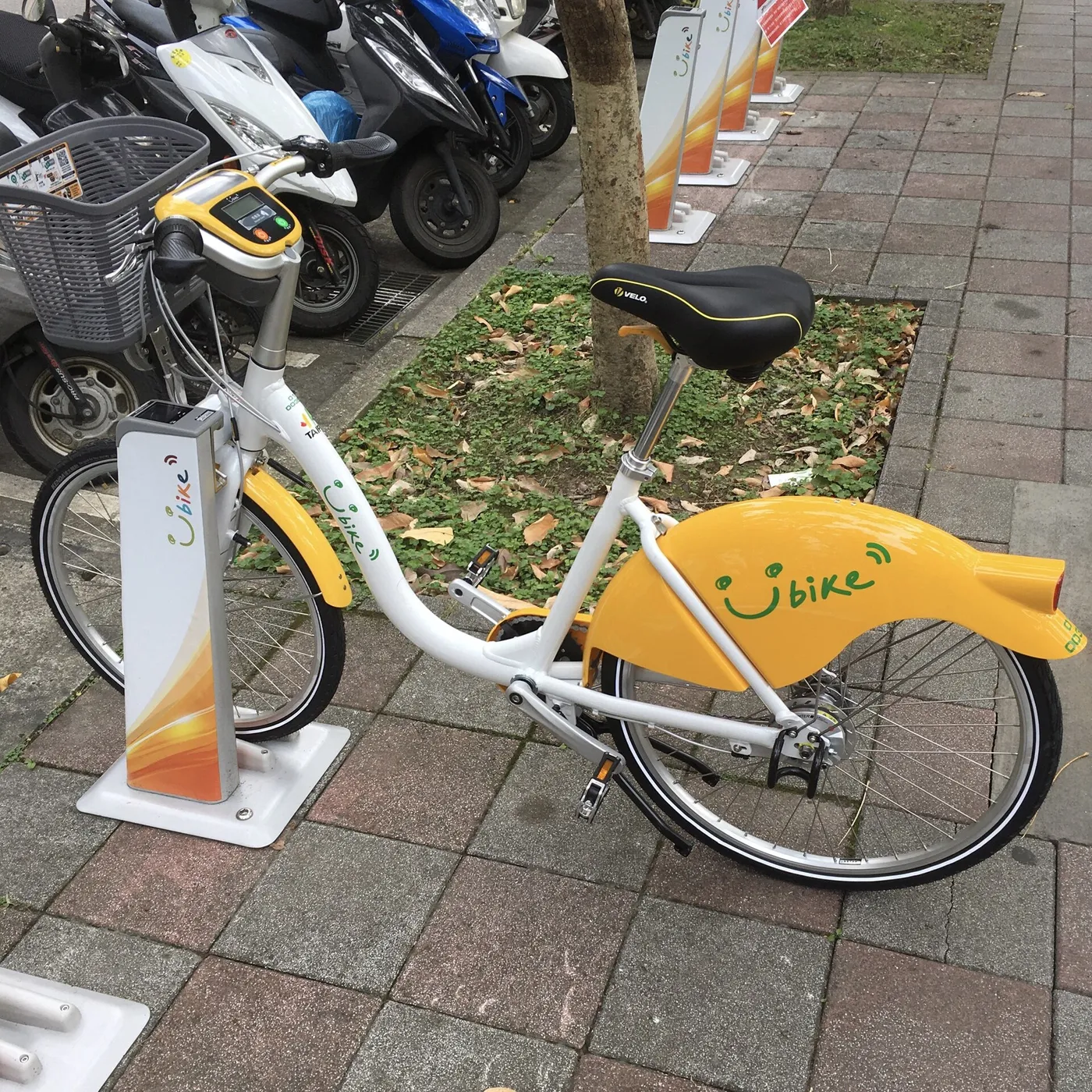
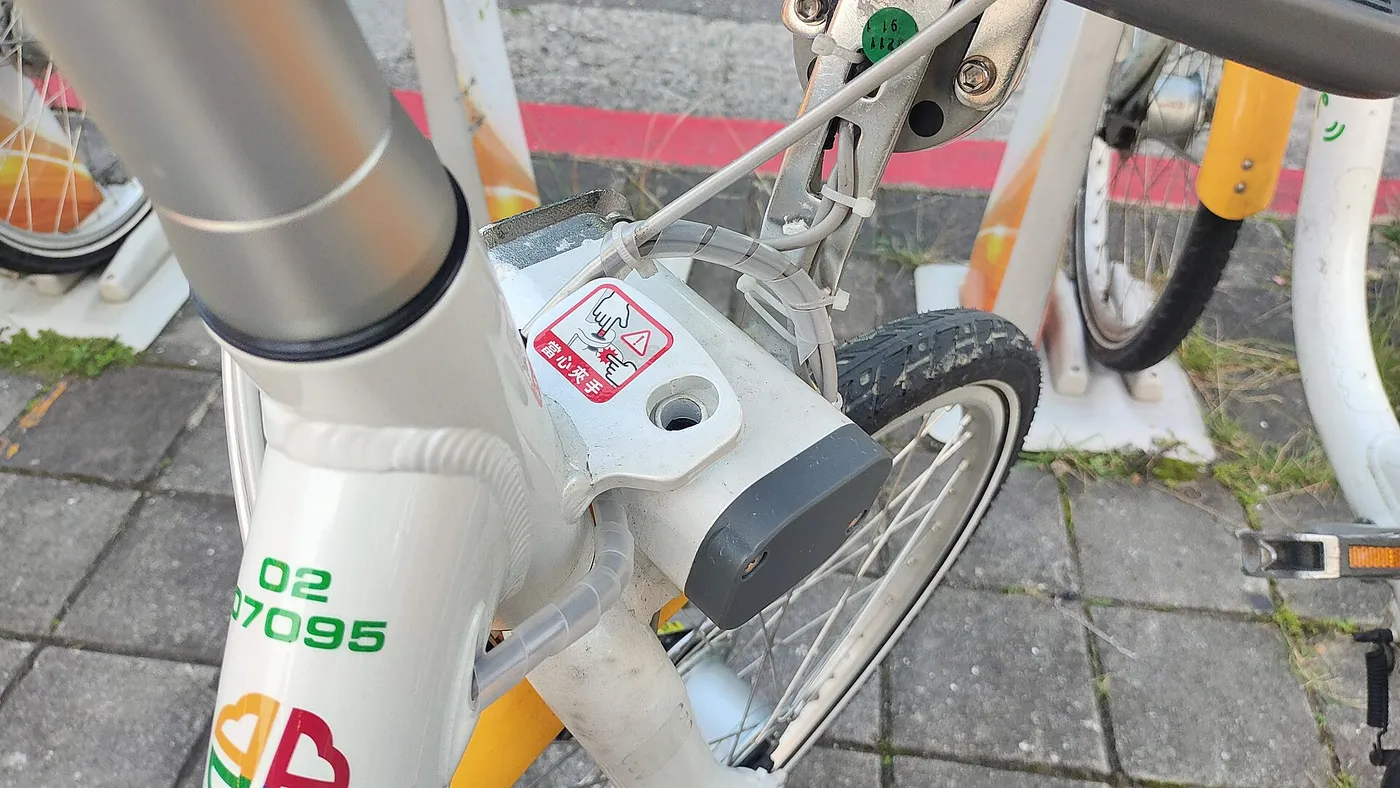
A bike with its seat turned backward needs repairs, so skip it. Before renting, check the brakes, tire pressure, and lights.
- Backward seat = out of order.
- Test the front and rear brakes first.
- Return to the same station within 5 mins to swap bikes.
Steps・Rules・Rates
- Inspection checklist
- Front and rear brakes, front and rear tire pressure, front and rear lights, seat height (YouBike FAQ).
- Backward seat
- This indicates the bike is out of order and should not be rented. If you find a malfunction, you can lower the seat to its lowest position, turn it backward, and call customer service.
- Rented a faulty bike?
- If you return it to the original station within 5 minutes, you can rent another one.
靠卡借車 (Rent with Your Card)
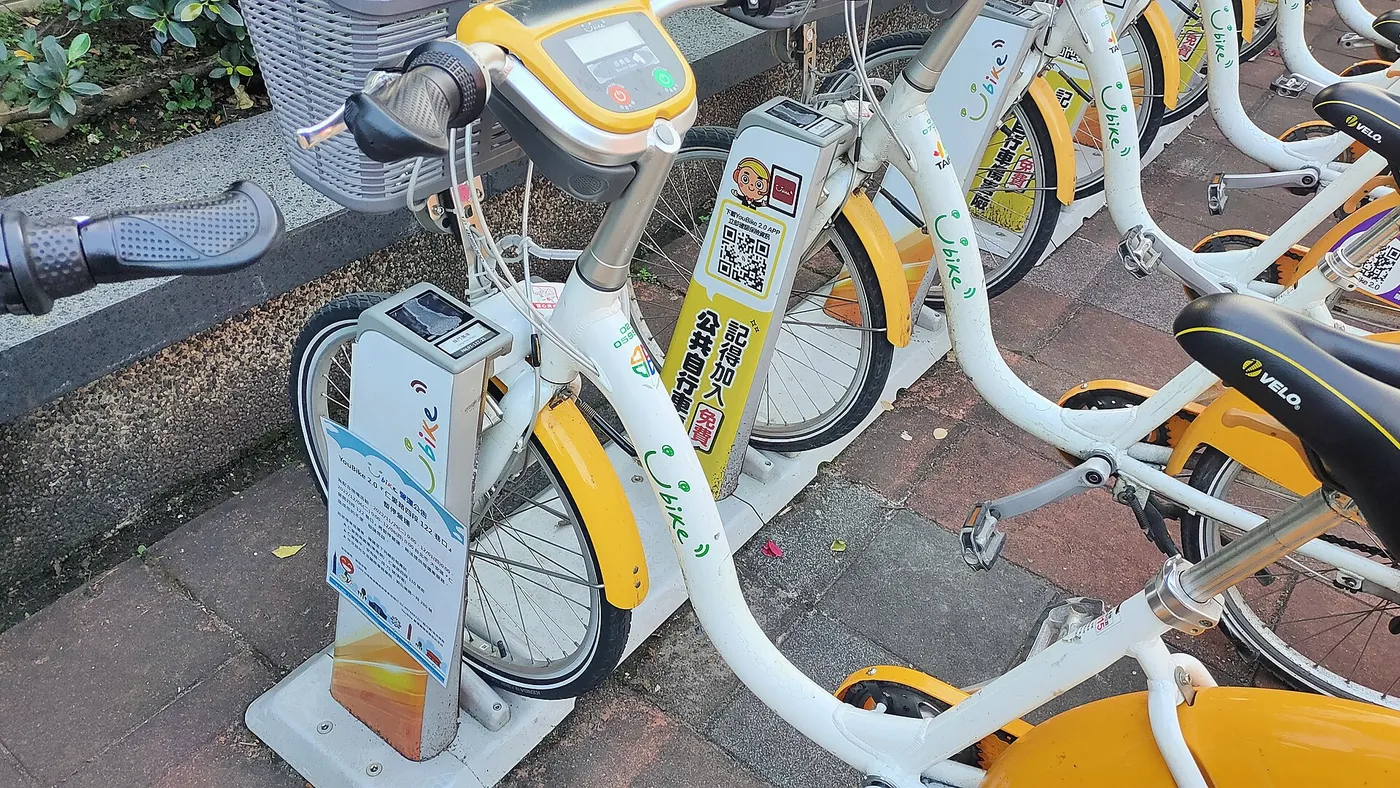
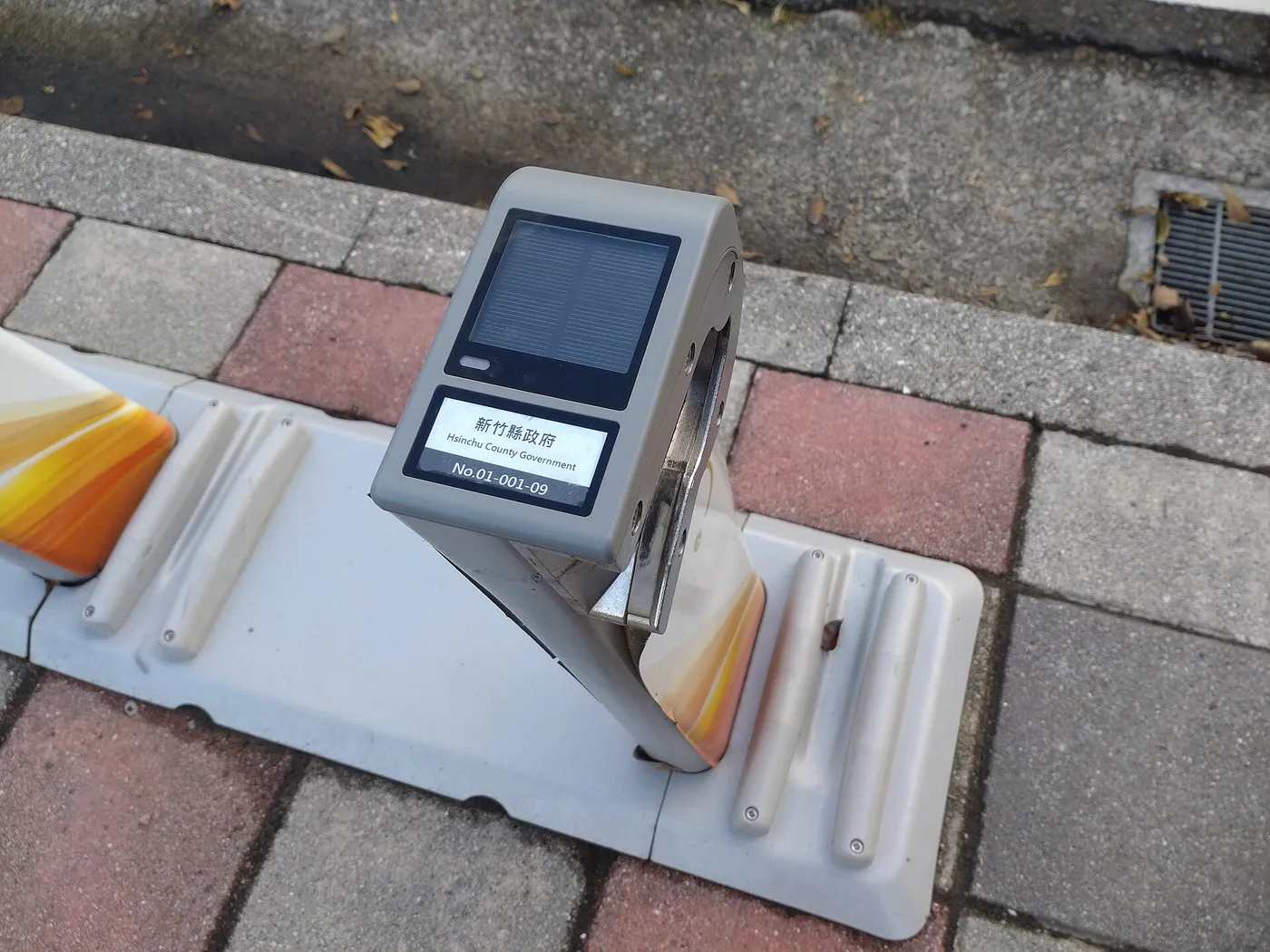
Press the green 'Card Sensor' button on the bike's console and tap your card. When the screen says 'Please take the bike,' grab the handlebars and pull it backward.
- Green button for card, orange for QR code.
- You have 30 seconds to pull the bike out.
- Card balance must be above NT$0.
Steps・Rules・Rates
- Renting with a card
- Press the green 'Card Sensor' button on the bike → Hold your electronic ticket near the sensor area → The screen will display 'Please take the bike' → Grab the handlebars and pull the bike backward.
- Renting with QR code
- Press the orange 'Scan to Ride' button → On the app's home screen, tap 'Scan to Ride' and scan the QR code on the bike or enter the verification code → The screen will display 'Please take the bike'.
- Didn't take the bike?
- If you don't take the bike within 30 seconds of tapping your card, it will re-lock. The screen will show 'Timeout, bike not taken,' and the transaction will be canceled.
The easiest thing to forget when returning the bike: after inserting it into the dock, you have to tap your card one more time.
── 阿凜
插柱還車 (Return to a Dock)
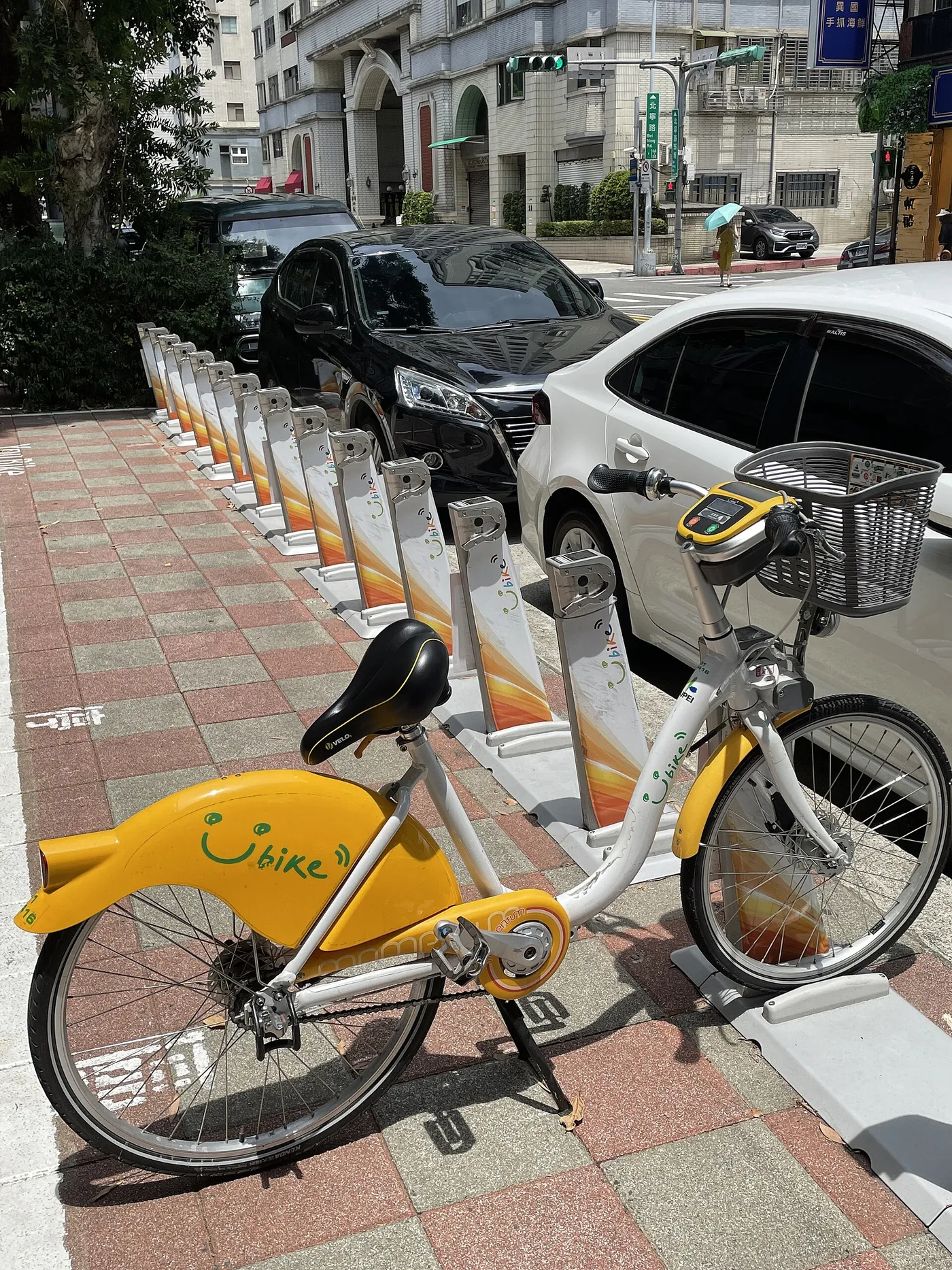
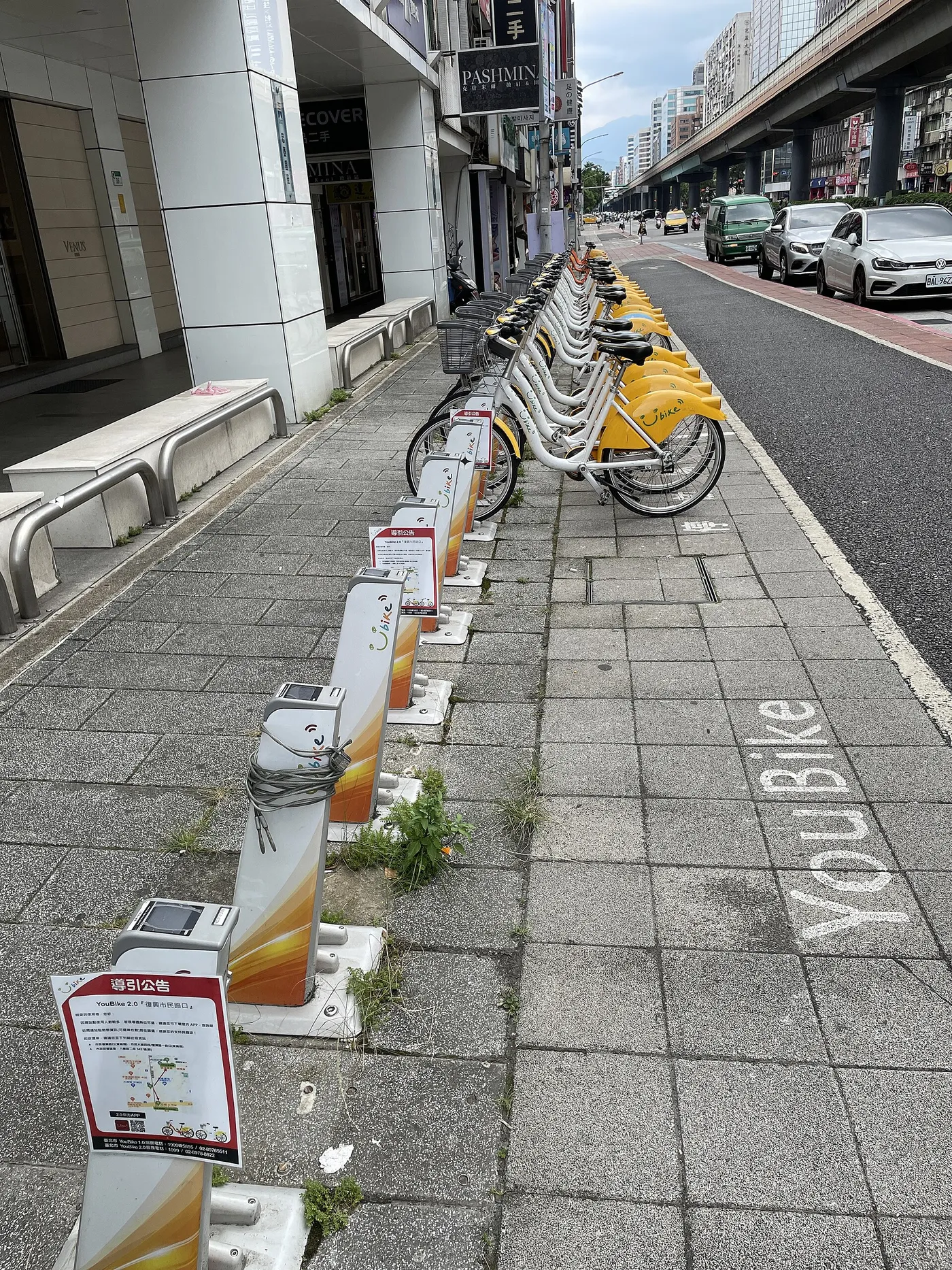
Align the wheel with the guide rail, insert the lock into the dock, and then tap your card again. The return is complete only when the screen shows the amount deducted and your remaining balance.
- Screen shows deduction and balance.
- If you used QR code, check the app to confirm.
- Rides under 30 mins are billed as 30 mins.
Steps・Rules・Rates
- Returning with a card
- Align the wheel with the guide rail and insert the lock into the dock → The screen will display 'Return successful, please tap card' → Tap your card → The screen will show the amount deducted and your card balance, completing the return.
- Returning with QR code
- After inserting the lock into the dock, check the app. The return is complete when the screen shows 'Return successful'.
- Taipei City Rates
- First 30 minutes free for members (subsidized by the Taipei City Government, starting from 2/28/2024, end date to be announced by the Department of Transportation); NT$10 per 30 mins within 4 hours, NT$20 per 30 mins for 4–8 hours, NT$40 per 30 mins for over 8 hours. Rides under 30 mins are billed as 30 mins.
滿站時申請增時 (Requesting an Extension When the Station is Full)
If there are no empty docks when you arrive, first use the official app to request a 'Full Dock Extension'. You'll get an extra 15 minutes for free to either wait at the same station or ride to a nearby one.
- Free 15-minute extension.
- Wait at the same station or go to a nearby one.
- Billing stops only when the bike is docked.
Steps・Rules・Rates
- How to apply
- Update the official app to the latest version and log in. Select 'Full Dock Extension' (無位可還). Upon success, you'll receive a free 15-minute extension.
- After the extension
- You can either wait for a dock to free up at the original station or ride to a nearby one. The rental is only considered complete and billing stopped once the bike is returned to a dock.
- Check for empty docks in advance
- Via the YouBike official website's 'Station Info,' the official app's 'Station Map,' the AI customer service chatbot's 'Station Search,' or the official LINE account's 'Station Search'.
Three Things to Do Before You Go
- Your card balance must be above NT$0 to rent a bike: Make sure your EasyCard or iPASS has money on it before you head out.
- The first 30 minutes free in Taipei only applies to Taipei City: Rates differ in New Taipei and other cities. Check local fees before riding outside the city.
- If you make a temporary stop, you must use the same card to unlock the bike: If you use a different card, the screen will display 'Please use the original rental card to unlock'.
Read next




Information checked 2026-11-18. Official notices from each venue or shop take priority. Sources: YouBike | Taipei City pricing, YouBike | Taipei City registration process, YouBike | Taipei City member rental, YouBike | Taipei City FAQ